Due to the upcoming deprecation of XUL-based add-ons, I am stopping development and support for this add-on. E-mail me if you’d to take over development.
RSS Ticker is an extension for the Mozilla Firefox Web browser that scrolls the items from your Live Bookmarks across your browser, a la a cable-news style ticker.
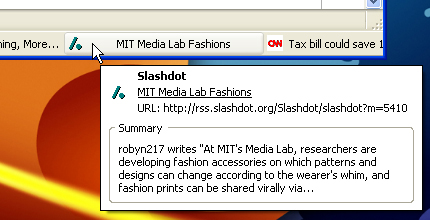
RSS Ticker’s features include:
- Placement of the ticker either at the bottom of the screen (under the status bar) or at the top of the screen (under the bookmarks toolbar).
- Ability to disable selected feeds from appearing in the ticker (Bookmarks Menu > Right-click on feed > Properties > Uncheck “Show in RSS Ticker”)
- Ability to disable the ticker while you are not using it.
- Option to have the ticker auto-hide when it’s empty.
- Mark an item as read by Ctrl-clicking on it.
- Ability to manually scroll through the ticker using your mouse’s scroll wheel.
- Configurable options:
- Ticker speed
- Ticker smoothness
- Have all links open in new tabs
- Detailed tooltips
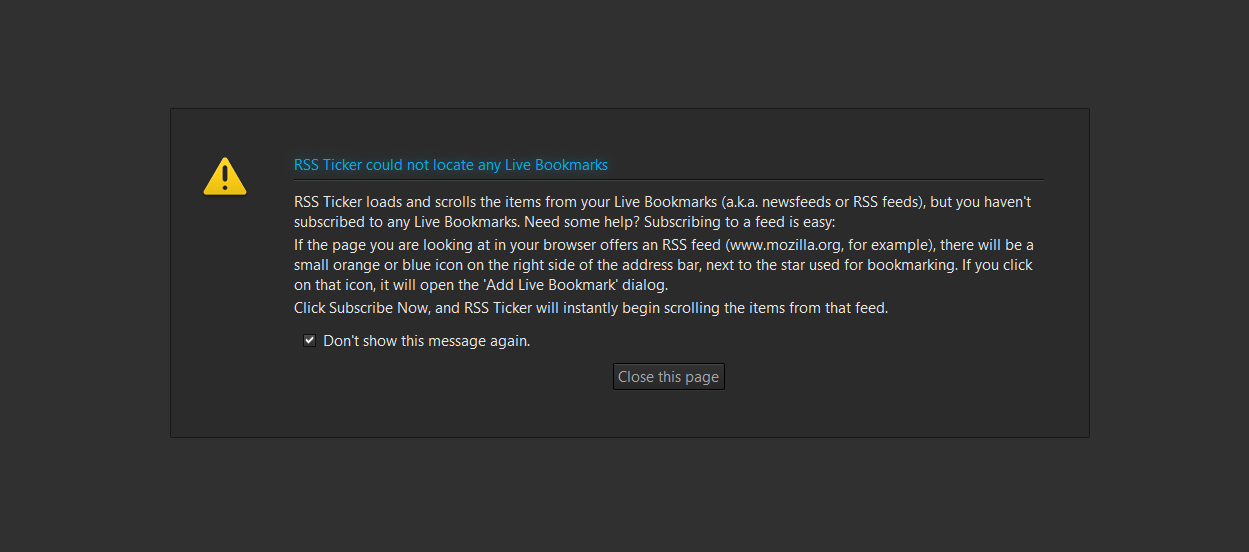
To add a feed to RSS Ticker, just subscribe to the feed as a Live Bookmark in Firefox.
Note: the ticker uses your history to determine which links you’ve already seen, so if you clear your history, the ticker will show all links as unread.


Leave a Reply