Formategory is a plugin for WordPress that allows you to customize posts based on their categories. Just define a template for a category, and all of the posts in that category will be displayed according to the template.

Use the buttons in the top-right meta box to insert placeholders for the post’s content; {{ the_content }} will be replaced by the post’s content, and {{ the_title }} will be replaced by the post’s title. Select some categories for the template, and after you save it, any posts in those categories will be instantly templated:
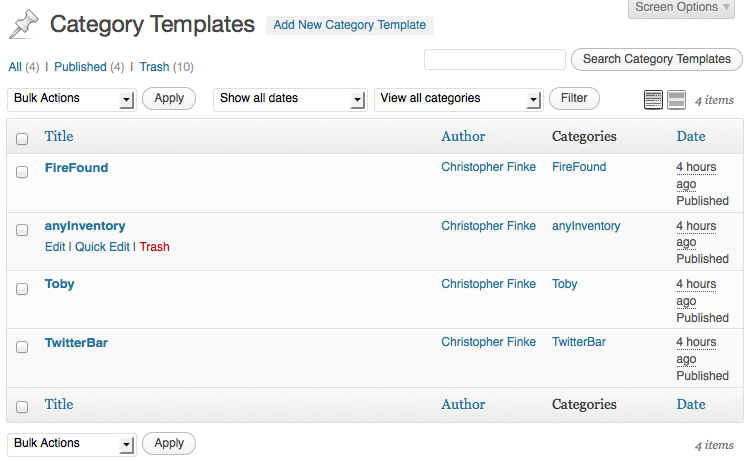
The “Category Templates” page in your dashboard allows you to manage your templates just like you manage your posts and pages:
To install, either search for “Formategory” on the Plugins installation in your WordPress dashboard, or download the .zip from Extend, choose “Add New” from the “Plugins” menu in your WordPress dashboard, and then upload the .zip file. Activate it, click the new “Category Templates” link in your dashboard’s menu, and create your first template.
Watch the Formategory section of my blog for information on updates to this plugin.


Leave a Reply